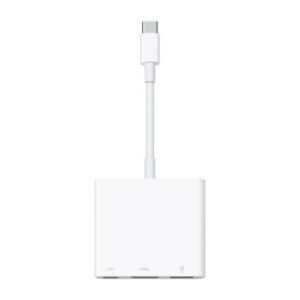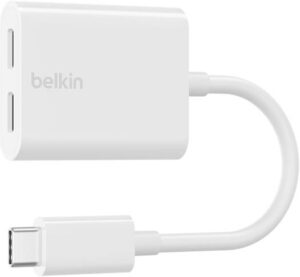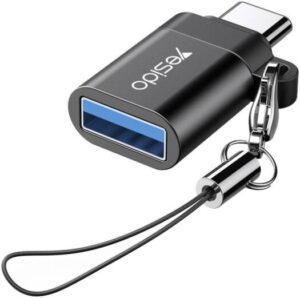

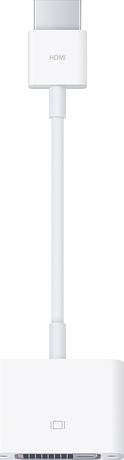
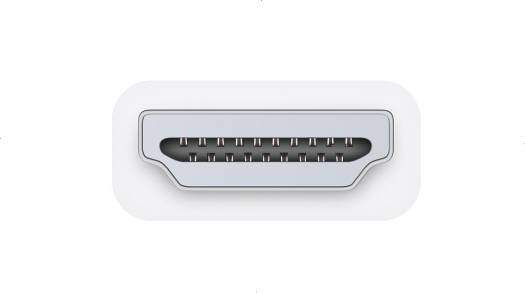

Overview The Apple HDMI to DVI Adapter allows you to connect your Mac with built-in HDMI to a DVI display or projector. You can use an external display as your primary display, extend your desktop to a second display, or work in mirroring mode with a projector so you can view what your audience sees. Use the HDMI to DVI Adapter to connect a single-link DVI digital monitor, such as the 20-inch or 23-inch Apple Cinema Display, that includes a DVI connector. Review the documentation or check with the manufacturer of your monitor to make sure you're choosing the right adapter. Highlights Enables Mac mini, MacBook Pro with Retina display, and Mac Pro systems with built-in HDMI to connect to a DVI display. Support
Abkon Core CPU Cooler CoolStorm T405W Spectrum, Noise level 36db, Connector 4-pin, PWM, Rotation speed 800-1800 rpm ± 10%, CPU Cooler -White | CT405W
Backbone One Mobile Gaming Controller, For Xbox, PlayStation Edition, iPhone 15/16 Series , Low Latency Connection, Capture Game Clips & Screenshots, 3.5mm Headphone Jack, White | BB-02-P-WS
50 Meter RJ45 CAT6 Ethernet LAN Network Cable - Grey | B07MMK412Y / AIF32
Adata XPG Lancer RGB 64GB (2x32GB) DDR5 Desktop Memory, 6000MT/s Memory Speed, CL 30 Latency, AMD Expo & Intel XMP 3.0 Ready, White | AX5U6000C3032G-DTLABRWH
ABKONCORE Mighty MT-600W, 230V EU, 80 Plus, NON-Modular | PS-069
Canon PR500-R Wireless Presenter, Presentation Remote with Red Laser, Range Up To 20m, Plug and Play with Mac OS X/Windows, Black | 2155C001AA


There are no reviews yet.